Maintenance
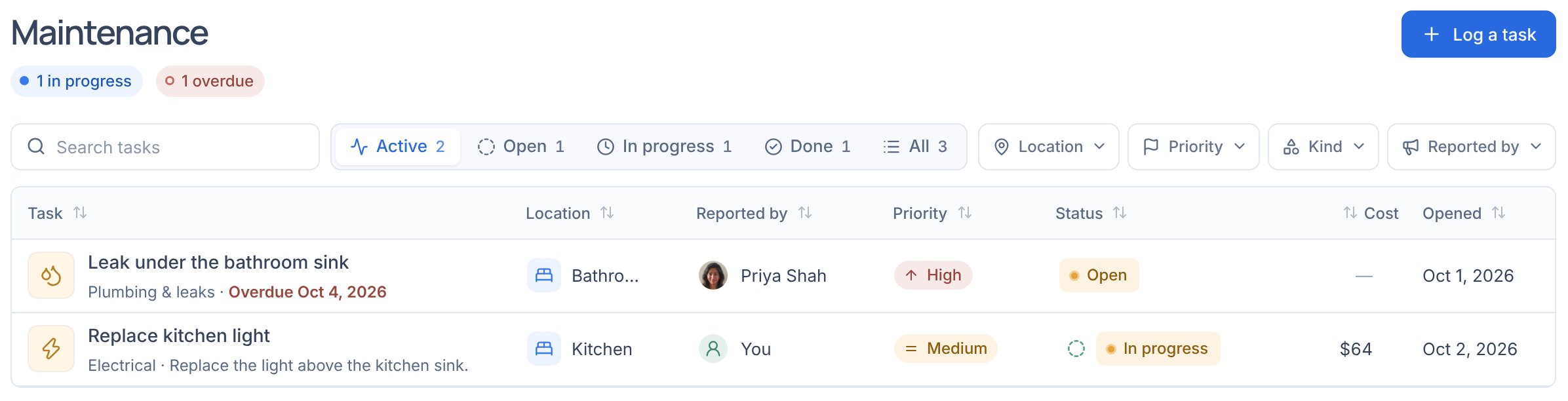
Every repair and task, at one house or across all of them, from report to done.
On this page
Log a task
- Choose Log a task
At the top of Maintenance, or from Add on Spaces & layout.
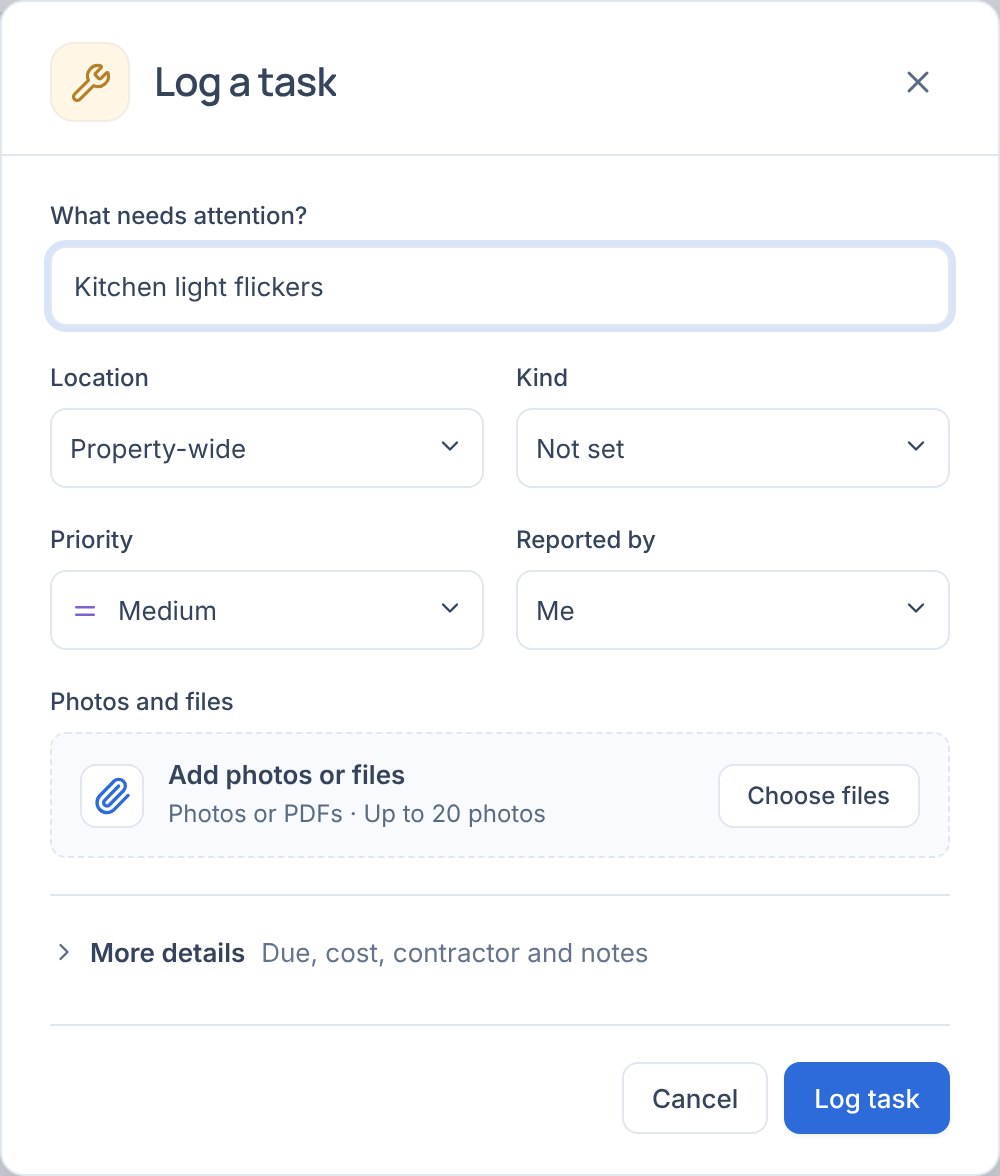
- Say what and where
What needs attention, the Location, Kind and Priority: Low, Medium, High or Emergency, and who reported it. Add photos or PDFs, such as a quote. More details has the due date, cost, contractor and notes.
See it through
- Active, Open, In progress, Done and All switch the list; Location, Priority, Kind and Reported by narrow it. Emergencies come first.
- Each row’s Status moves it on: Start work, then Mark done. Priority, location and cost edit in the row; select it for updates, photos and the contractor.
- In a task’s panel, Photos and files keep before and after photos and papers such as the invoice. A PDF is also filed on Files as a receipt, linked back to the repair.
- Repairs tenants report from their page land here and in Notifications. On one, Send them an update: it shows on their page and is emailed, as are status changes.