Lease builder
Fill your state’s lease form from an agreement, mark up a PDF you already use, or build your own.
On this page
Fill your state’s form
- Start from the agreement
In Record agreement, choose Fill a lease form. Or open Lease builder, under Tools, choose the state and Start draft on a form.
- Follow the Guide
The Guide, beside the page, shows each blank in the form’s own words, with the tenants, rent and dates already filled in. Start, then Next, takes you through the rest.
- Save it
The draft is named for the tenants. On Finish, Download unsigned PDF to have it signed, then add the signed PDF to the agreement.
- TenantDana Park
- Premises128 Maple Avenue, Room 03
- TermNov 1, 2026 – Oct 31, 2027
- RentDue on the 1st$765 a month
- Security deposit$765
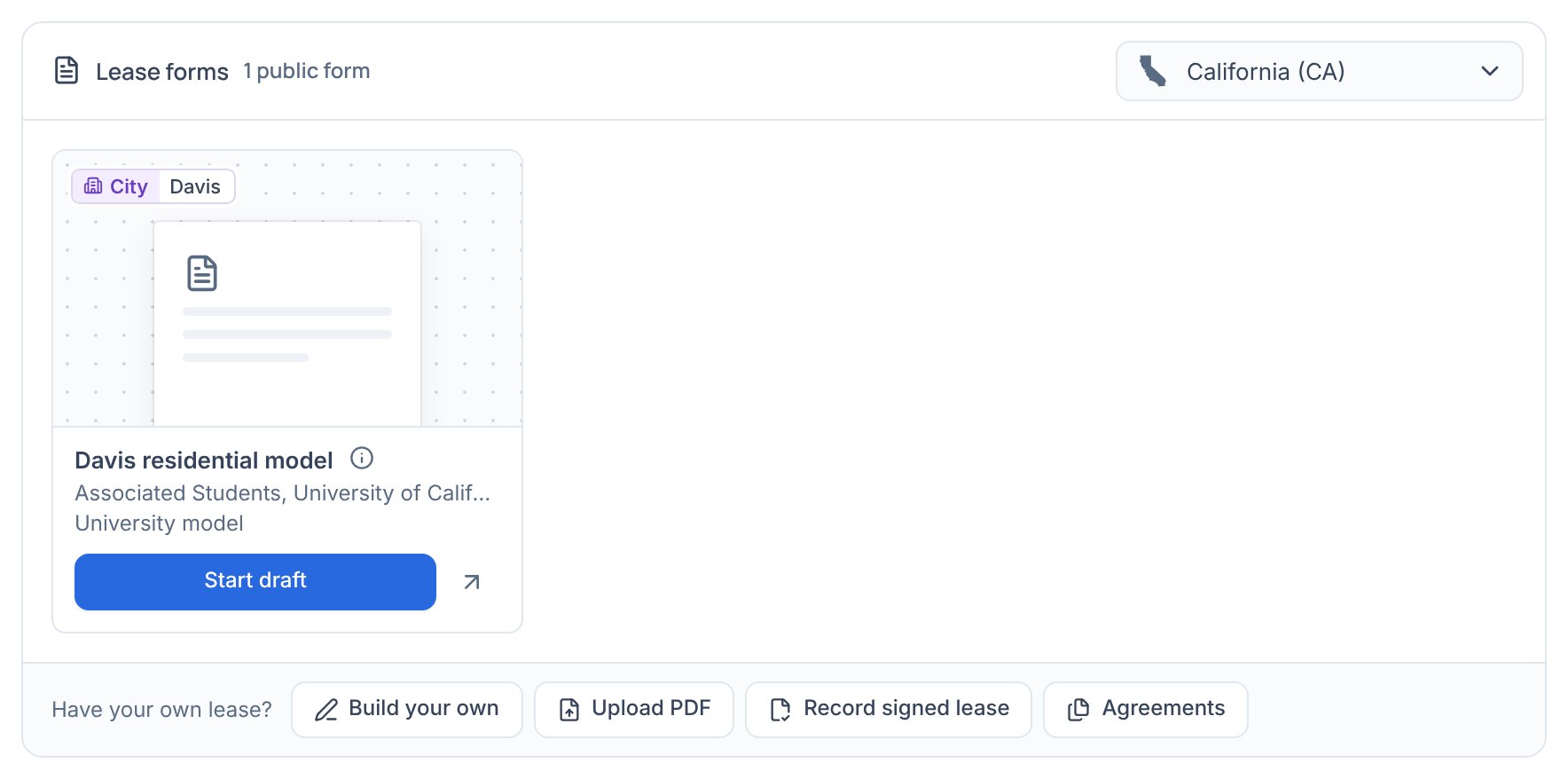
Your own lease
- Upload PDF opens your own lease with tools in a rail at the left: Add text, Add date and Mark box, with the Guide to step through its blanks.
- Build your own composes a lease from clause blocks, useful where your state has no form.
- Record signed lease files a lease that’s already signed with its agreement.